
beta testing instructions
You've been selected to be a part of SpinLabAi's first ever beta testing. While the process for upload may seem clunky now, this will only be the process for beta - we are in the finishing stages of our mobile app, where you can record your throw directly in app without these steps. This will greatly ease the process to upload your throw.
We want to get data from the top QBs in the nation, which is why you've been selected. This beta testing is completely free and we will send you back your results. If you'd like to meet to go over your results, we are offering a free 1:1 meeting (via Zoom) with our Founder and Creator, Joe Mohr (@mohrperformance).
Recording & Upload Instructions
Change record settings for camera. Make sure you are recording in Slow Motion at 1080HD in 240fps.
Settings > Camera > Record Slo-mo > 1080pHD at 240FPS

Record Throw in Landscape (horizontally) in SLO-MO mode.
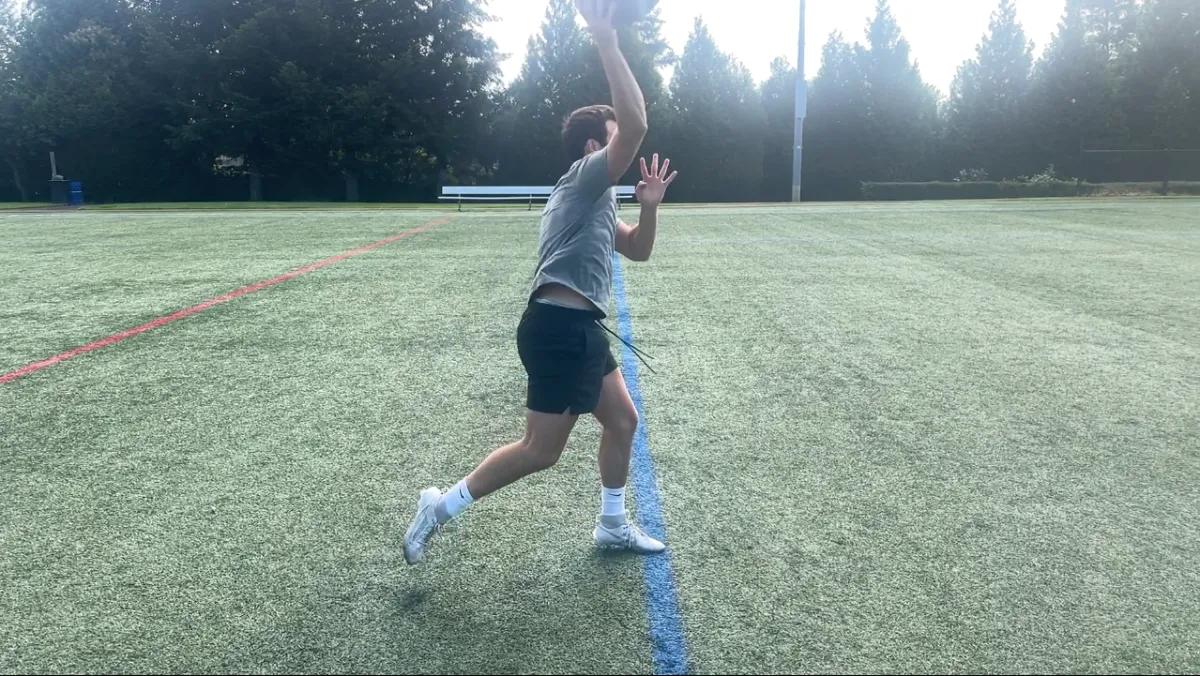
Do make sure you can see full arm path and entirety of body / football. MUST BE RECORDED IN SLO-MO.
Place receiver 15 yards away and throw on a line. Be sure to be recording directly from the side (like example).
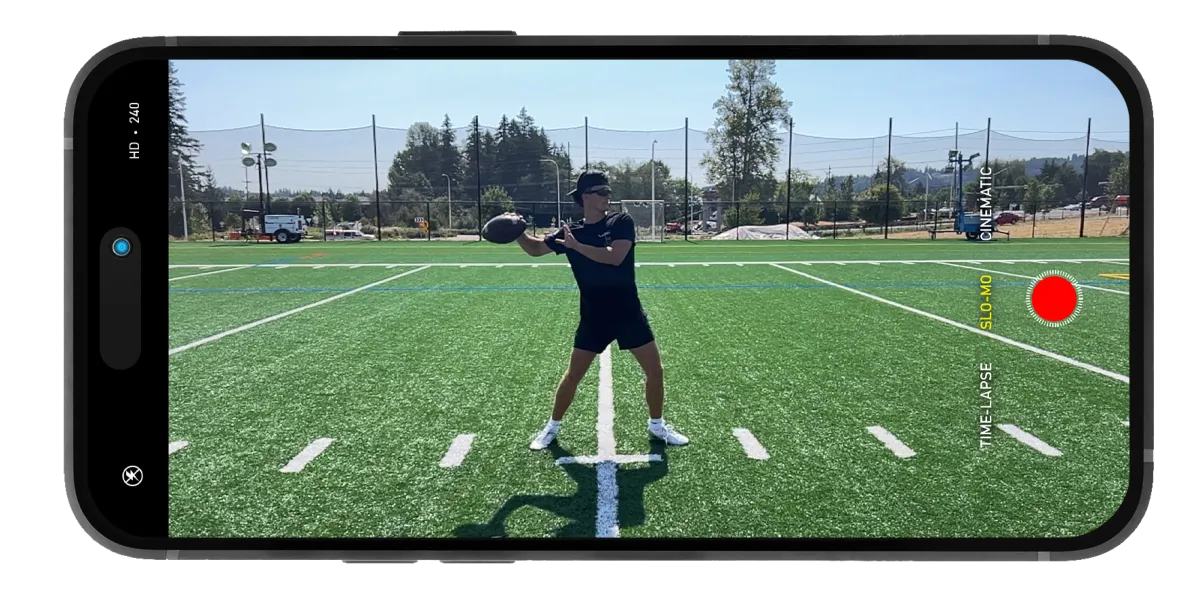
DO have full arm path & football in frame
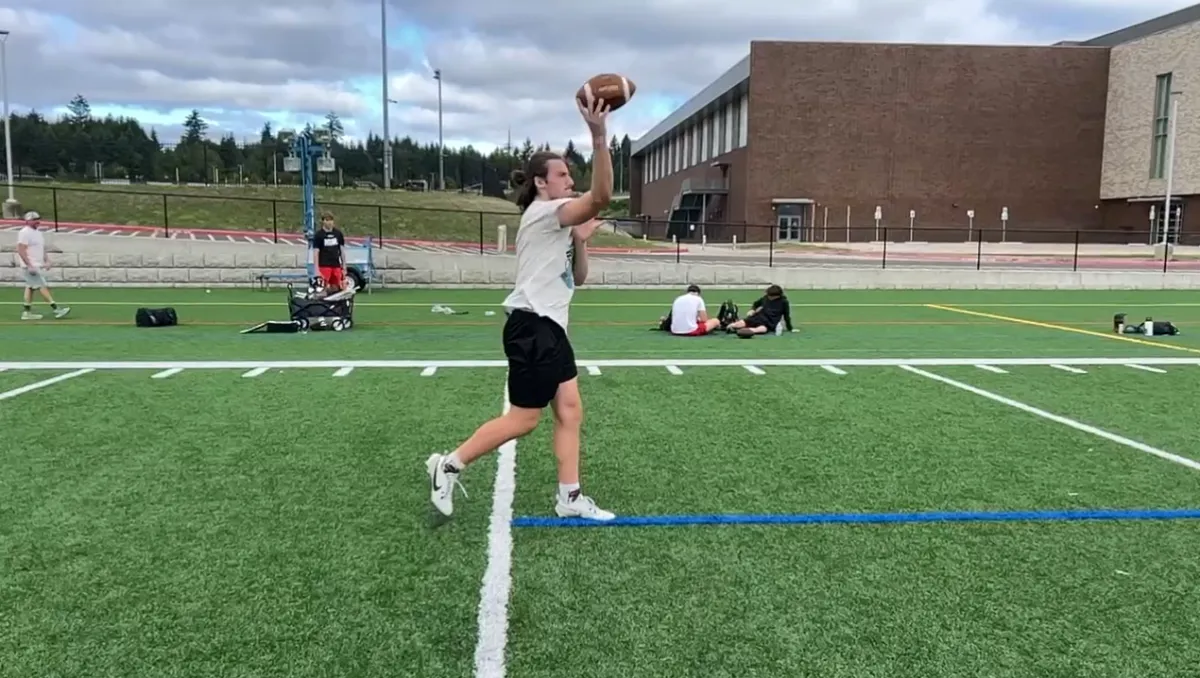
Don't have arm path or football out of frame
Go to photos and click on video
Click the “share” icon and scroll to “Export Unmodified Original” and export to files
DO NOT SKIP STEP 4 - YOUR RESULTS WILL ERROR OUT IF YOU BYPASS THIS STEP.

Go to “Files” app and confirm video was saved there
If you play the video, it will be in full speed and not in slow-motion. That is exactly how it should be.

Use the link below to access the upload form. Click "Upload" and select "Choose File" from the browsing options.
If you receive a notification that it failed to upload, click submit again. Continue until you are redirected to a thank you page.
